Blog
Visual Regression Testing - All You Need to Know

Rishabh Kumar
Published on

Table of contents
Lorem ipsum
Lorem ipsum
Lorem ipsum
Lorem ipsum
Lorem ipsum
Your application works perfectly. Every feature passes functional tests. APIs return correct responses. But when you deploy to production, users report broken layouts, misaligned buttons, and overlapping text.
Welcome to the world of visual bugs, the silent killers of user experience.
Visual regression testing is your defense against UI breaks that functional tests miss. While traditional testing validates behavior, visual regression testing ensures your application looks right across every browser, device, and screen size.
In this guide, you'll discover everything about visual regression testing: what it is, why modern applications need it, how to implement it, and how AI-powered platforms like Virtuoso QA make visual testing effortless and scalable.
What is Visual Regression Testing?
Visual regression testing is a quality assurance technique that compares screenshots of your application before and after code changes to identify unintended visual differences. Think of it as a "visual diff" for your UI.
The Core Concept
Traditional testing asks: "Does this button work?" Visual regression testing asks: "Does this button look right?"
When developers push changes (bug fixes, new features, or refactoring), visual regression tests capture screenshots of key pages and compare them pixel-by-pixel against baseline images. Any differences trigger alerts, helping teams catch layout breaks, color shifts, font issues, or alignment problems before users encounter them.
Why It's Called "Visual Regression"
The term regression means going backward. In software, regression testing ensures new changes don't break existing functionality. Visual regression testing applies this principle to the user interface, preventing your UI from regressing in quality or appearance.
Why Visual Regression Testing is Essential
Modern applications demand flawless visual experiences. Here's why visual regression testing matters more than ever:
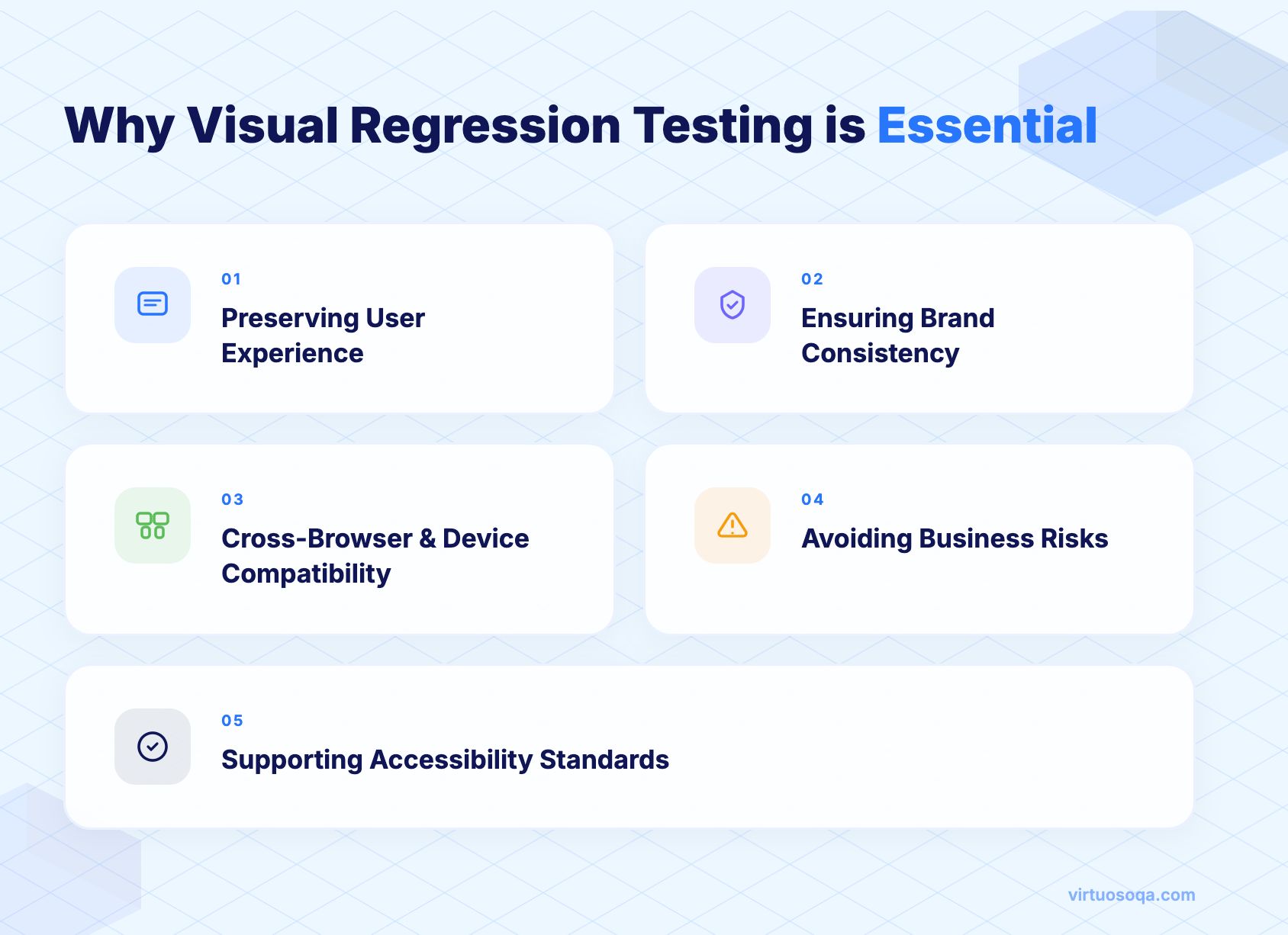
1. Preserving User Experience
UI breaks destroy trust. A misaligned checkout button or overlapping text on a login form can frustrate users, increase bounce rates, and damage your brand reputation. Visual regression testing detects these issues before they reach production, ensuring users always see a polished, professional interface.
2. Ensuring Brand Consistency
Your brand's visual identity (fonts, colors, logos, spacing) must remain consistent across updates. Visual regression testing acts as a guardian, flagging any unintended changes to brand elements that could dilute your identity or confuse customers.
3. Cross-Browser and Cross-Device Compatibility
A layout that looks perfect in Chrome might break in Safari. A design optimized for desktop might overlap on mobile. Visual regression testing validates consistency across browsers, devices, and screen resolutions, ensuring every user gets the same high-quality experience regardless of how they access your application.
4. Avoiding Business Risks
Visual bugs aren't just annoying; they're costly. A broken payment form can halt revenue. An inaccessible navigation menu can prevent users from completing critical tasks. Visual regression testing protects business continuity by catching these issues during development rather than in production.
5. Supporting Accessibility Standards
Visual testing helps ensure UI elements remain usable and compliant with accessibility guidelines. Changes that affect contrast ratios, button sizes, or text readability can inadvertently create barriers for users with disabilities. Visual regression testing flags these regressions, helping you maintain inclusive design.
Key Benefits of Visual Regression Testing
For Developers and QA Engineers
Confidence in code changes. Developers can refactor stylesheets, update component libraries, or optimize rendering without fear of breaking the UI. Visual regression tests provide immediate feedback, catching issues during development rather than after deployment.
For Product Managers and Leaders
Release predictability. Visual regression dashboards give stakeholders a clear view of UI health. Teams can release with confidence, knowing that visual quality has been validated across platforms. This transparency improves planning and reduces last-minute surprises.
For End Users
Consistent, bug-free experiences. Users expect applications to work smoothly and look professional. Visual regression testing ensures they never encounter broken layouts, misaligned elements, or visual glitches that erode trust and satisfaction.
Types of Visual Regression Testing
Visual regression testing uses different comparison methods depending on your needs:

1. Pixel-by-Pixel Comparison
The most straightforward approach: compare every pixel in a screenshot against the baseline. If even one pixel differs, the test flags a change.
Pros: Extremely accurate, catches the smallest differences
Cons: Can be too sensitive, flagging minor anti-aliasing differences or dynamic content
Best for: Static pages with minimal dynamic content, brand-critical interfaces
2. DOM-Based Comparison
Instead of comparing raw pixels, DOM-based testing analyzes the structure of the page (HTML elements, CSS properties, layout hierarchy). This approach focuses on meaningful structural changes rather than minor rendering variations.
Pros: Less sensitive to rendering quirks, focuses on actual layout issues
Cons: Might miss subtle visual problems like color shifts or font rendering
Best for: Dynamic applications with frequently changing content
3. AI/ML-Based Visual Testing
Modern visual testing platforms use artificial intelligence and machine learning to intelligently compare screenshots. AI algorithms understand context, ignore irrelevant differences (like timestamps or animations), and focus on genuine visual regressions.
Pros: Smart filtering of false positives, context-aware comparisons, learns over time
Cons: Requires more sophisticated tooling
Best for: Large-scale applications, teams seeking efficiency and accuracy
Virtuoso QA leverages AI-powered visual testing to deliver intelligent, context-aware comparisons that minimize false positives while catching real issues.

When to Use Visual Regression Testing
Visual regression testing shines in specific scenarios:
UI Enhancements or Redesigns
Whenever you update your design system, refresh your brand, or modernize your interface, visual regression testing ensures changes apply consistently across all pages without unintended side effects.
Bug Fixes in Frontend Code
Fixing one CSS bug can inadvertently break another element. Visual regression testing acts as a safety net, confirming that bug fixes don't introduce new visual issues.
Cross-Browser Testing
Different browsers render CSS differently. Visual regression testing validates that your application looks consistent in Chrome, Firefox, Safari, Edge, and other browsers.
Responsive Layout Testing
Testing responsive designs manually across dozens of screen sizes is impractical. Visual regression testing automates this process, capturing screenshots at multiple breakpoints to ensure layouts adapt correctly.
Before Major Releases
Prior to launching a major update, run comprehensive visual regression tests across critical user journeys. This final check ensures you're shipping a polished, professional product.
How Visual Regression Testing Works - 5 Step Process
The visual regression testing process follows a straightforward workflow:

Step 1: Capture Baseline Screenshots
First, capture screenshots of your application in its current, known-good state. These baseline images represent the expected appearance of each page or component.
Best practice: Capture baselines after thorough review and approval from design and product teams.
Step 2: Capture New Screenshots After Changes
After developers push code changes, the testing system automatically captures new screenshots of the same pages using identical settings (browser, viewport size, user state).
Step 3: Compare Baseline vs Current
The visual testing tool compares the baseline screenshots against the new screenshots using pixel comparison, DOM analysis, or AI algorithms.
Step 4: Highlight Visual Differences
Any differences between baseline and current screenshots are highlighted visually, often with overlays showing exactly what changed.
Step 5: Validate and Log Issues
QA engineers review flagged differences. True regressions (unintended changes) are logged as defects. Expected changes (intentional updates) trigger baseline updates.
Visual Regression Testing vs Functional Regression Testing
Many teams confuse visual and functional regression testing. Here's how they differ:
Focus of Validation
Functional testing validates behavior: "Does this button submit the form correctly?"
Visual testing validates appearance: "Does this button look correct?"
Test Data
Functional testing uses test scripts, API calls, and expected outputs
Visual testing uses screenshots and image comparisons
Complementary, Not Exclusive
Both types of testing are essential. Functional tests ensure your application works. Visual tests ensure it looks right.Together, they provide comprehensive quality assurance.
Common Challenges in Visual Regression Testing
Despite its benefits, visual regression testing presents unique challenges:
High Sensitivity to Minor Changes
Pixel-perfect comparisons can flag trivial differences like anti-aliasing variations, slight font rendering differences between browsers, or dynamic content like timestamps.
Solution: Use AI-powered visual testing platforms that intelligently filter irrelevant differences.
Cross-Device Complexity
Testing across dozens of device and browser combinations generates massive numbers of screenshots, making management and review time-consuming.
Solution: Prioritize critical device/browser combinations and use parallel execution to speed up testing.
Dynamic Content Handling
Pages with changing content (user-generated posts, real-time data, animations) can cause false positives.
Solution: Configure tests to ignore dynamic regions or use baseline snapshots that account for expected variability.
Storage and Maintenance of Baselines
Large applications generate thousands of baseline screenshots, requiring significant storage and organization.
Solution: Use cloud-based visual testing platforms with automated baseline management.
Integration with CI/CD Pipelines
Integrating visual tests into continuous integration workflows requires careful orchestration to avoid slowing down deployments.
Solution: Run visual tests in parallel and integrate with CI/CD tools like Jenkins, GitHub Actions, or GitLab CI.
Best Practices for Visual Regression Testing
Follow these practices to maximize the effectiveness of visual regression testing:
Define a Stable Baseline
Ensure baseline screenshots are captured in a controlled, consistent environment. Avoid capturing baselines during active development when the UI is unstable.
Use AI/Smart Comparisons Instead of Raw Pixel Diffs
Modern AI-powered visual testing tools reduce false positives by understanding context and filtering out irrelevant differences.
Integrate with CI/CD for Early Feedback
Trigger visual regression tests automatically on every commit or pull request. Early detection prevents visual bugs from reaching later stages of development.
Test Across Browsers and Devices
Don't limit testing to a single browser. Capture screenshots across Chrome, Firefox, Safari, and Edge, and test on mobile, tablet, and desktop viewports.
Focus on Critical User Journeys First
Start with high-impact pages (login, checkout, dashboard) and gradually expand coverage. Prioritizing critical journeys ensures you catch the most important visual regressions.
Regularly Update Baselines
As your application evolves, update baselines to reflect intentional design changes. Outdated baselines create noise and reduce testing efficiency.
Automate Baseline Approval Workflow
Establish a clear process for reviewing and approving baseline updates. Automation tools can streamline this workflow, reducing manual overhead.

Visual Regression Testing in Agile and DevOps
Modern development practices demand continuous visual validation:
Shift-Left Visual Testing
Integrate visual tests early in sprints rather than waiting for QA phases. Catching UI regressions during development saves time and effort.
Visual Checks in CI/CD
Configure your CI/CD pipeline to run visual regression tests automatically after every build. Fast feedback loops enable developers to fix issues immediately.
Collaboration Between Dev, QA, and Design
Visual regression testing bridges the gap between engineering and design. Shared visual dashboards facilitate collaboration, ensuring everyone agrees on the expected appearance.
Examples of Visual Regression Testing in Action
E-commerce
An e-commerce platform updates its product card layout. Visual regression testing detects that price alignment breakson mobile devices, preventing a checkout flow disruption.
Banking Application
A banking app refactors its stylesheet to improve performance. Visual regression testing catches an unintended font color change on the transaction history page that reduces readability.
SaaS Application
A SaaS dashboard adds a new widget. Visual regression testing flags overlapping elements in the original widgets, allowing developers to adjust spacing before release.
Mobile App
A mobile app updates its icon library. Visual regression testing identifies inconsistent icon sizes across screens, maintaining visual harmony.
Visual Regression Testing Metrics and KPIs
Track these metrics to measure visual testing effectiveness:
Number of Visual Bugs Caught per Release
Higher detection rates indicate effective visual testing coverage.
False Positive Rate
Lower false positive rates mean your visual testing configuration is well-tuned, reducing review burden.
Time Saved vs Manual Visual Checking
Quantify the hours saved by automating visual checks compared to manual review.
Cross-Browser Consistency Score
Measure the percentage of pages that render identically across browsers.
Common Mistakes to Avoid
Not Updating Baselines Frequently
Outdated baselines generate false positives and reduce trust in visual tests. Update baselines regularly to reflect intentional changes.
Skipping Responsive/Device Testing
Testing only on desktop misses critical mobile and tablet issues. Always validate across multiple viewports.
Treating Visual Regression as Secondary to Functional
Visual bugs impact user experience just as much as functional bugs. Prioritize visual testing equally.
What is Automated Visual Regression Testing?
Automated visual regression testing uses tools to automatically capture, compare, and report UI differences without manual intervention.
Why Automate Visual Testing?
Manual screenshot comparisons are impractical for modern applications with hundreds of pages and frequent updates. Automation provides:
Faster than manual comparisons: Run thousands of visual tests in minutes
Scales across browsers/devices: Test every platform combination effortlessly
Reduces human subjectivity: Automated comparisons are objective and consistent
When to Automate Visual Tests?
Automate visual tests for:
Stable, high-value UI flows: Login, checkout, dashboards
Critical customer-facing pages: Homepage, product pages, account settings
Responsive and cross-platform testing: Validate across screen sizes and browsers
How Automated Visual Regression Testing Works
Step 1: Define Baseline
Automated systems capture initial screenshots across specified pages and configurations.
Step 2: Run Automated Checks
Triggered via CI/CD pipelines after each commit, automated tests capture new screenshots.
Step 3: Compare Using Algorithms
Advanced algorithms (pixel, DOM, or AI-powered) compare screenshots and highlight differences.
Step 4: Generate Reports
Automated reports display visual differences with side-by-side comparisons, making review efficient.
Step 5: Self-Healing and Adaptive (AI-driven)
Virtuoso QA and other advanced platforms use AI to automatically adapt to minor UI changes, reducing false positives and test maintenance.
Visual Regression Testing with Virtuoso QA
Virtuoso QA is a modern, AI-powered test automation platform that blends functional and visual regression testing for holistic quality assurance.
Key Features for Visual Testing
AI-powered comparisons: Intelligent algorithms filter out irrelevant differences, reducing false positives
Cross-browser and device support: Test across all major browsers and viewports without infrastructure headaches
Self-healing automation: Visual tests automatically adapt to minor changes, minimizing maintenance
Seamless CI/CD integration: Trigger visual tests from Jenkins, GitHub Actions, GitLab CI, and more
Real-time reporting: Visual dashboards show exactly what changed, speeding up review and approval
Why Choose Virtuoso QA?
No-code authoring: Write visual tests in natural language without scripting
End-to-end coverage: Combine functional, API, and visual testing in one platform
Faster time-to-market: Automated visual testing accelerates release cycles while maintaining quality

Conclusion: The Future of Visual Regression Testing
As frontends grow more complex and user expectations rise, visual regression testing is no longer optional. It's essential for delivering polished, professional applications that work flawlessly across every browser, device, and screen size.
AI-driven visual testing is becoming the industry standard, enabling teams to scale testing without drowning in false positives or maintenance overhead. Platforms like Virtuoso QA lead this evolution, combining intelligent visual testing with functional automation in a no-code solution that empowers teams to release faster with confidence.
Whether you're building an e-commerce platform, a banking application, or a SaaS dashboard, visual regression testing protects your brand, delights your users, and accelerates your development velocity.
Frequently Asked Questions (FAQs)
When should I run visual regression tests?
How do I choose a visual regression testing tool?
Can visual regression testing replace functional testing?
How does Virtuoso QA help with visual regression testing?









