Blog
What is Cross-Browser Testing and Why is it Important?

Rishabh Kumar
Published on

Table of contents
Lorem ipsum
Lorem ipsum
Lorem ipsum
Lorem ipsum
Lorem ipsum
Web applications do not behave identically across every browser. Chrome, Safari, Firefox, and Edge each have their own rendering engine, JavaScript execution environment, and CSS interpretation. The same application can look and function differently depending on which browser a user is running.
For enterprises, this is not an abstract technical concern. A Salesforce implementation that works in Chrome but breaks in Safari creates real business disruption. Users on the wrong browser lose access to workflows they depend on. Support teams receive tickets that should not exist. Productivity drops.
This guide covers what cross-browser testing is, why it matters at enterprise scale, the challenges involved, and how modern AI-native automation makes comprehensive coverage achievable without overwhelming QA teams.
What is Cross-Browser Testing?
Cross-browser testing validates that a web application delivers consistent functionality, appearance, and user experience regardless of which browser or browser version a user is running.
It does not assume the application works correctly everywhere. It explicitly verifies behaviour across the browsers, versions, and devices that real users actually use.
The root of the problem
Chrome, Safari, Firefox, and Edge are not interchangeable. Each has its own rendering engine, JavaScript execution environment, and interpretation of CSS specifications. The same HTML, CSS, and JavaScript can produce meaningfully different visual output and behaviour depending on which browser is processing it.
What a real enterprise user population looks like
For an enterprise Salesforce implementation, users are not all on the same browser. A realistic picture looks like this:
Sales representatives on Chrome on Windows laptops
Field teams on Safari on MacBooks and iPads
Service representatives on Firefox across mixed devices
Executives on Edge on Surface tablets
Mobile users switching between Chrome on Android and Safari on iOS
Every one of these users expects the same application to behave the same way. Cross-browser testing validates that it does.
Why Cross-Browser Testing is Hard: The Browser Ecosystem Explained
Understanding cross-browser testing requires appreciating the modern browser landscape's complexity and diversity.
The Combination Explosion Problem
Testing three browsers across two operating systems at three versions creates 18 combinations. Add mobile devices, screen sizes, and configuration variations and the number reaches hundreds of scenarios. Manual testing cannot cover this space within realistic timeframes or budgets.
Browser Updates Create Constant Maintenance
Browser updates occur continuously. Tests built around specific element identification or timing assumptions break as browsers evolve. Maintaining test stability across browser updates compounds standard test maintenance challenges.
Inconsistent Test Results Undermine Confidence
Browser-specific timing, rendering speeds, and resource availability create flaky tests that pass inconsistently. Determining whether failures indicate application defects or test environment issues consumes significant investigation effort.
Infrastructure is Expensive to Maintain
Maintaining testing environments with multiple browser versions, operating systems, and devices requires significant investment. Virtual machines, emulators, and real devices demand resources and ongoing upkeep. Keeping browser versions current requires continuous maintenance effort.
Sequential Execution Takes Too long
Running a comprehensive test suite across ten browser and device combinations sequentially requires ten times the single-browser execution time. A two-hour regression suite becomes a twenty-hour cross-browser validation, making daily execution infeasible.
Why Cross-Browser Testing Matters for Enterprise Applications
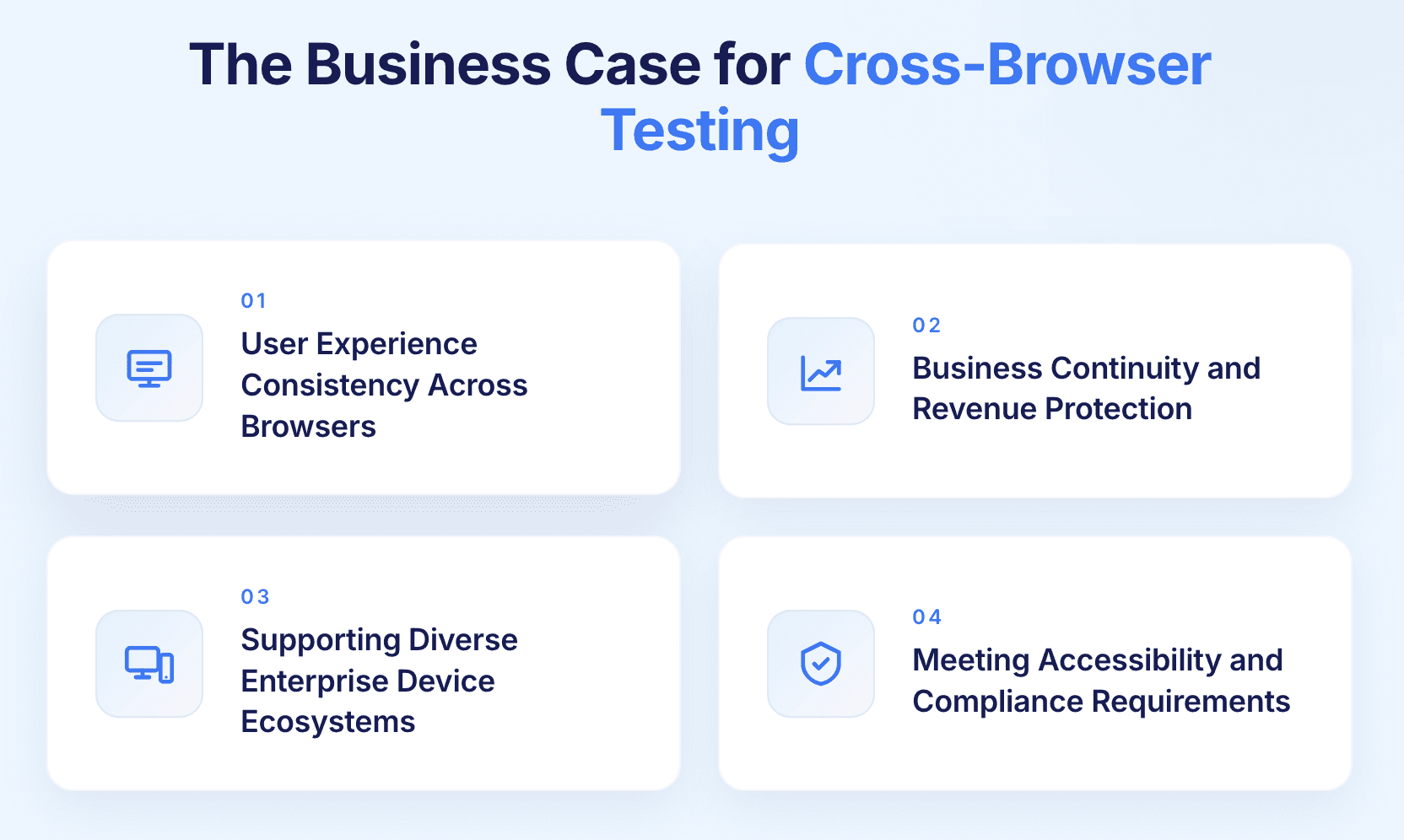
User Experience Consistency
Enterprise applications serve diverse user populations. Users encountering broken layouts, non-functional features, or poor performance in their preferred browser lose confidence in the application. Adoption suffers. Negative attitudes toward the platform develop. Support tickets multiply.
Revenue and Business Continuity
Browser-specific defects create tangible business impact:
E-commerce checkout processes failing in specific browsers directly lose revenue
Service representatives unable to create cases lose productive hours
Managers unable to approve workflows create business process delays
Executives blocked from dashboards lose visibility into operations
Compliance and Accessibility Obligations
Accessibility standards including WCAG and Section 508 require consistent experiences regardless of browser or assistive technology. Screen readers, keyboard navigation, and accessibility features must function across all supported browsers. Browser-specific accessibility failures create legal liabilities under ADA and similar regulations.
Supporting Diverse Device Ecosystems
Modern enterprises cannot mandate a single browser:
BYOD policies mean employees use personal devices with varied browsers
Field teams access applications on mobile devices with different browsers
External partners and vendors access through unknown configurations
International users have different regional browser preferences
Applications must work across this diversity rather than assuming a controlled environment.

Cross-Browser Testing Strategies and Approaches
Define Your Browser Coverage Matrix
Start with analytics rather than assumptions. Identify which browsers, versions, and devices your actual users employ and prioritise accordingly.
A practical starting framework:
Identify the five browser and device combinations covering 80 to 90 percent of your user base
Support the current browser version plus one previous version as a baseline
Focus initial coverage on business-critical workflows before expanding to secondary features
Expand coverage progressively rather than attempting comprehensive coverage immediately
Manual Versus Automated Testing
Manual testing strengths:
Visual quality and layout assessment
Usability and user experience evaluation
Exploratory testing for unexpected issues
Subjective aesthetic judgement
Automated testing strengths:
Scalable coverage across dozens of browser combinations
Consistent identical execution across all browsers
CI/CD pipeline integration for continuous validation
Cost per execution approaches zero after initial investment
The optimal approach combines both: automate functional regression and smoke testing across the full browser matrix, reserve manual testing for visual quality review and exploratory scenarios.
Local Versus Cloud Infrastructure
Local testing infrastructure:
Full control over environment configuration
No dependency on external services
High capital cost and ongoing maintenance burden
Limited scalability for comprehensive coverage
Cloud-based testing platforms:
On-demand access to thousands of browser and device combinations
Instant access to new browser releases without infrastructure updates
Parallel execution across the full matrix simultaneously
Operational cost model replacing capital investment
Most enterprises adopt a hybrid approach: local browsers for rapid developer iteration, cloud platforms for comprehensive CI/CD cross-browser validation.
Progressive Enhancement and Graceful Degradation
Rather than demanding identical functionality across all browsers, define what constitutes acceptable experience at each browser capability level:
Core workflows function universally across all supported browsers
Enhanced interactions activate for capable modern browsers
Features degrade gracefully in older browsers without breaking core functionality
Feature detection activates appropriate code paths at runtime
This reduces the testing burden by accepting different experience levels while ensuring all users receive functional, acceptable experiences.
AI-Native Cross-Browser Testing Automation
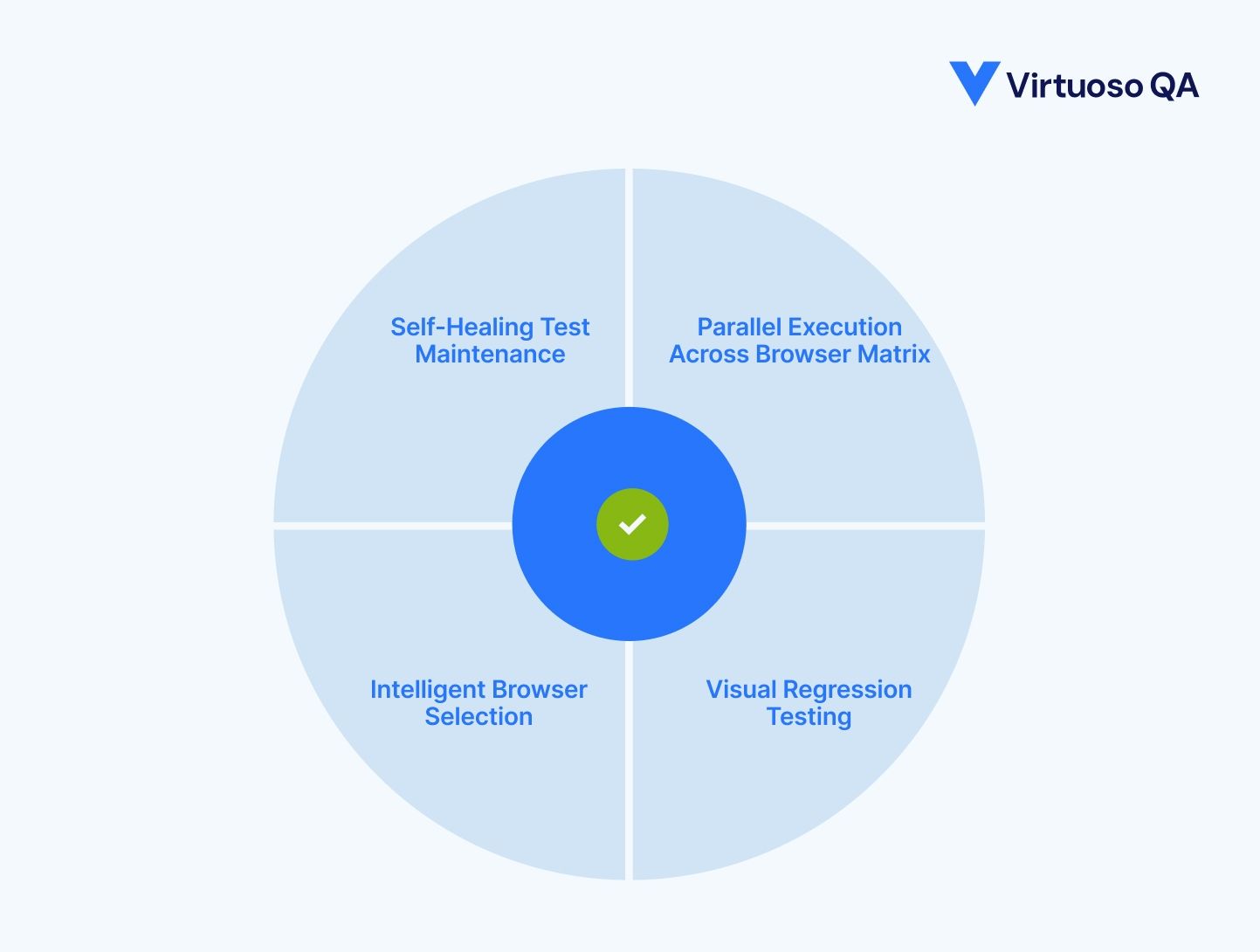
Self-healing tests survive browser updates
Traditional automated cross-browser tests break when browsers update, requiring manual repairs across every affected browser and device combination. The maintenance burden multiplies by the number of browsers in the test matrix.
AI-native platforms detect when browser updates change element identification and automatically adapt test scripts without manual intervention. Self-healing works identically whether Chrome, Safari, or Firefox updates, maintaining stability across the evolving browser ecosystem.
Parallel execution makes comprehensive coverage practical
Sequential cross-browser execution multiplies testing time by the number of browsers tested. A two-hour test suite across ten browsers takes twenty hours sequentially. Run in parallel across cloud infrastructure, the same suite completes in two hours regardless of how many browser combinations are in the matrix.
This transforms cross-browser testing from a bottleneck that blocks releases into a continuous quality gate that runs alongside development.
Visual regression testing catches layout differences
Functional tests validate behaviour but miss visual rendering differences between browsers. AI-powered visual testing:
Captures screenshots across browser and device combinations
Compares against approved baselines automatically
Distinguishes meaningful layout regressions from acceptable rendering variations
Catches broken responsive designs that functional assertions miss
Risk-based browser selection optimises coverage
Not every test scenario requires execution across every browser. AI-native platforms analyse test characteristics, historical defect patterns, and browser-specific risk to recommend optimal coverage per test scenario.
When code changes affect specific application areas, intelligent testing focuses cross-browser validation on impacted features. Unchanged features receive smoke testing. Modified features receive comprehensive validation.
How Virtuoso QA Handles Cross-Browser Testing
Virtuoso QA removes the infrastructure and maintenance overhead that makes cross-browser testing difficult at enterprise scale.
Plain English test authoring
Tests are written in natural language rather than browser-specific scripts. The same test executes across every browser in the matrix without modification, eliminating the version-specific test maintenance that consumes QA capacity in conventional approaches.
Cloud-based execution across 2,000-plus configurations
Virtuoso QA runs tests across more than 2,000 OS, browser, and device combinations through cloud infrastructure. No local device labs, no virtual machine management, no browser version installation and upkeep.
Self-healing at approximately 95 percent accuracy
When browsers update and element identification changes, Virtuoso QA adapts tests automatically. Browser updates do not cascade into maintenance backlogs. The test suite stays current without manual intervention.
Parallel execution compresses timelines
Cross-browser regression suites that would take days sequentially complete in hours through parallel cloud execution. The execution planner schedules tests across the full browser matrix simultaneously.
Unified reporting across all browsers
Results across all browser and device combinations appear in a single report. Browser-specific failures surface with screenshots, DOM snapshots, and network logs at the point of failure, giving developers everything they need to diagnose and fix browser-specific defects without additional investigation.

Cross-Browser Testing Best Practices
Start With Core Coverage and Expand Progressively
Identify the five browser and device combinations covering the majority of your user base
Validate business-critical workflows across this core set first
Establish consistent quality before expanding the coverage matrix
Document the coverage strategy explicitly so gaps and priorities are clear
Integrate Cross-Browser Testing into CI/CD pipelines
Smoke tests across the core browser set on every code commit
Focused cross-browser validation on pull requests before merging
Full cross-browser regression before production deployments
Automated triggering based on change characteristics and deployment stage
Test on Real Devices, Not Just Emulators
Emulators miss real device characteristics including touch interaction precision, performance under battery constraints, and hardware-specific rendering quirks. Include physical device testing particularly for mobile browsers where emulator fidelity is lowest.
Define Acceptable Visual Variation Standards
Not all visual differences between browsers are defects. Establish explicit standards:
Font rendering variations between operating systems are acceptable
Minor spacing differences within defined tolerances are acceptable
Layout shifts that affect usability are not acceptable
Broken alignments that obscure content are not acceptable
Clear standards prevent wasted effort pursuing pixel-perfect consistency that is not achievable across all browser and OS combinations.
Test Across Realistic Network Conditions
Applications performing adequately on high-speed connections may be unusable on the slower networks common for mobile users. Include network condition simulation across 5G, 4G, and WiFi in mobile browser testing.
Measuring Cross-Browser Testing Effectiveness
Key Metrics to Track
Browser coverage percentage: what proportion of actual user browser configurations receive automated testing
Browser-specific defect detection rate: defects found in testing versus escaping to production per browser
Cross-browser test execution frequency: how often tests run across the full matrix
Test maintenance overhead: time spent updating tests after browser releases
User-reported browser issues: support tickets and complaints attributed to browser-specific defects
Calculating ROI
Cross-browser testing automation ROI typically comes from four sources:
Production defect cost avoidance: browser-specific production incidents create support costs, user productivity losses, and potential revenue impact
Testing efficiency gains: automation reduces manual cross-browser testing effort measured in person-hours
Release velocity improvement: parallel execution compressing validation timelines enables more frequent releases
Infrastructure cost reduction: cloud-based browser testing typically reduces costs 50 to 70 percent compared to maintaining local device infrastructure
Comprehensive ROI analysis typically demonstrates eight to fifteen times return on cross-browser testing automation investment within eighteen to twenty-four months.
Conclusion: Cross-Browser Testing as Quality Assurance Essential
Cross-browser testing validates that web applications provide consistent experiences across diverse browser ecosystems ensuring business continuity, user satisfaction, and revenue protection. Browser rendering differences, JavaScript engine variations, and standards compliance evolution create behavior inconsistencies without explicit validation. Traditional manual cross-browser testing cannot scale to comprehensive coverage across exponential browser-device combinations within compressed timelines and limited resources.
Virtuoso QA takes all of the testing pains away! You can author your tests in plain English, which cuts down test authoring time drastically. Then, using the execution planner, you can schedule your tests to run as often as you want and save time by having the tests run in parallel. Even better, Virtuoso QA is cloud-based, so there's no setup or installation required, and you can run tests across as many browser versions, operating systems, and real devices as you want. Plus, you can get reports on the different browsers all throughout the testing process.

Related Reads
Frequently Asked Questions
Which browsers should I test?
How often should cross-browser testing occur?
Can cross-browser testing be automated?
What causes cross-browser compatibility issues?
What is progressive enhancement and how does it affect testing?
How do browser updates affect existing cross-browser tests?




