

Blog
Data Driven and Keyword Driven Testing Explained

Published on
December 15, 2025

Learn data driven and keyword driven testing approaches, key differences, benefits, limitations, and how modern platforms move beyond traditional frameworks.
Data driven testing separates test logic from test data, executing identical test scripts with multiple data sets to validate functionality across various inputs. Keyword driven testing abstracts test actions into reusable keywords, enabling non-technical users to create tests by assembling keywords without coding. Both approaches emerged to solve traditional test automation challenges: data driven testing addresses the need to validate multiple scenarios efficiently; keyword driven testing democratizes test creation for non-programmers. Hybrid approaches combine both, using keywords for actions and external data for test inputs.
However, traditional frameworks implementing these approaches require extensive setup, custom development, and ongoing maintenance. AI-native platforms now transcend both approaches through Natural Language Programming where teams describe tests in plain English, AI handles data variations automatically, and composable libraries provide keyword-like reusability, all without framework development overhead, delivering 10x productivity improvements over traditional data and keyword driven frameworks.
Data driven testing is an automation approach where test logic remains constant while test data varies. A single test script executes multiple times with different data sets, validating functionality across diverse inputs, user types, and scenarios.
Test Script (logic defined once):
1. Navigate to login page
2. Enter username from data source
3. Enter password from data source
4. Click login button
5. Verify expected result from data source
Test Data (multiple scenarios):
| Username          |  Password      |  Expected Result |
|-------------------| ---------------| -----------------|
| valid@example.com |  ValidPass123  |  Login Success   |
| invalid@test.com  |  WrongPass     |  Login Failure   |
| locked@example.com|  AnyPassword   |  Account Locked  |
| expired@test.com  |  ExpiredPass   |  Password Expired|
Single test script executes four times, validating different scenarios without duplicating test logic.
Keyword driven testing abstracts test actions into reusable keywords (functions) representing operations. Testers create tests by assembling keywords in sequences without writing code.
Keyword Library (implemented by developers):
OpenBrowser(url)
EnterText(field, value)
Click(element)
VerifyText(element, expected)
CloseBrowser()
Test Case (created by testers using keywords):
| Keyword        | Parameter1     | Parameter2      | Parameter3        |
|----------------|----------------|-----------------|-------------------|
| OpenBrowser    | www.app.com    |                 |                   |
| EnterText      | username       | user@example.com|                   |
| EnterText      | password       | ValidPass123    |                   |
| Click          | login_button   |                 |                   |
| VerifyText     | welcome_msg    | Welcome User    |                   |
| CloseBrowser   |                |                 |
Testers assemble keywords without coding. Framework executes underlying implementation.
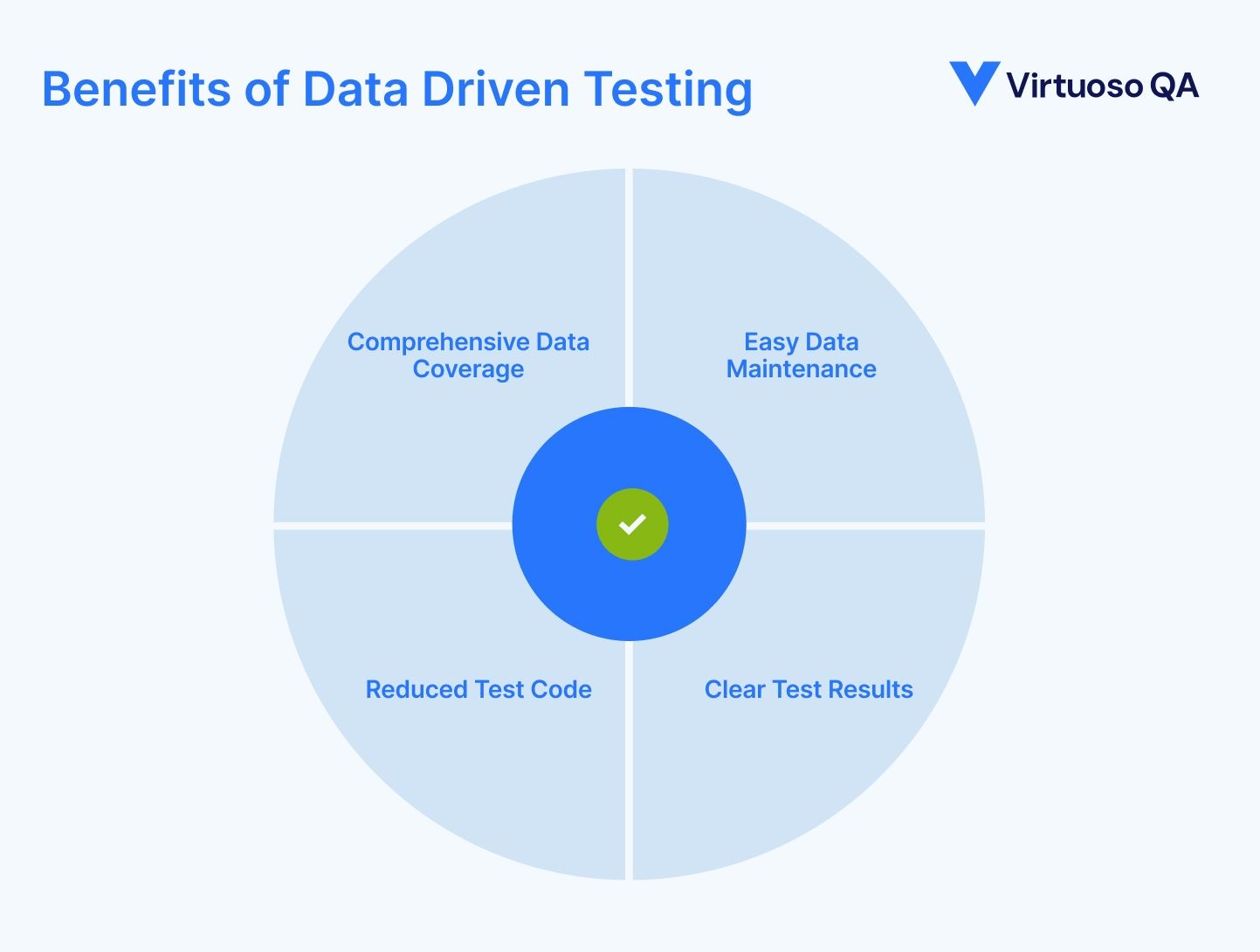
Single test script validates functionality across unlimited data combinations without duplicating test logic.
Example: Test checkout process with 50 different product combinations, 10 payment methods, 5 shipping addresses = 2,500 scenarios from one test script.
Update test data in Excel/CSV without modifying test scripts. Business users manage data while automation engineers maintain scripts.
Write test logic once. Hundreds of scenarios execute from single implementation, reducing code volume dramatically.
Results show which data combinations pass/fail, identifying specific scenarios causing defects.
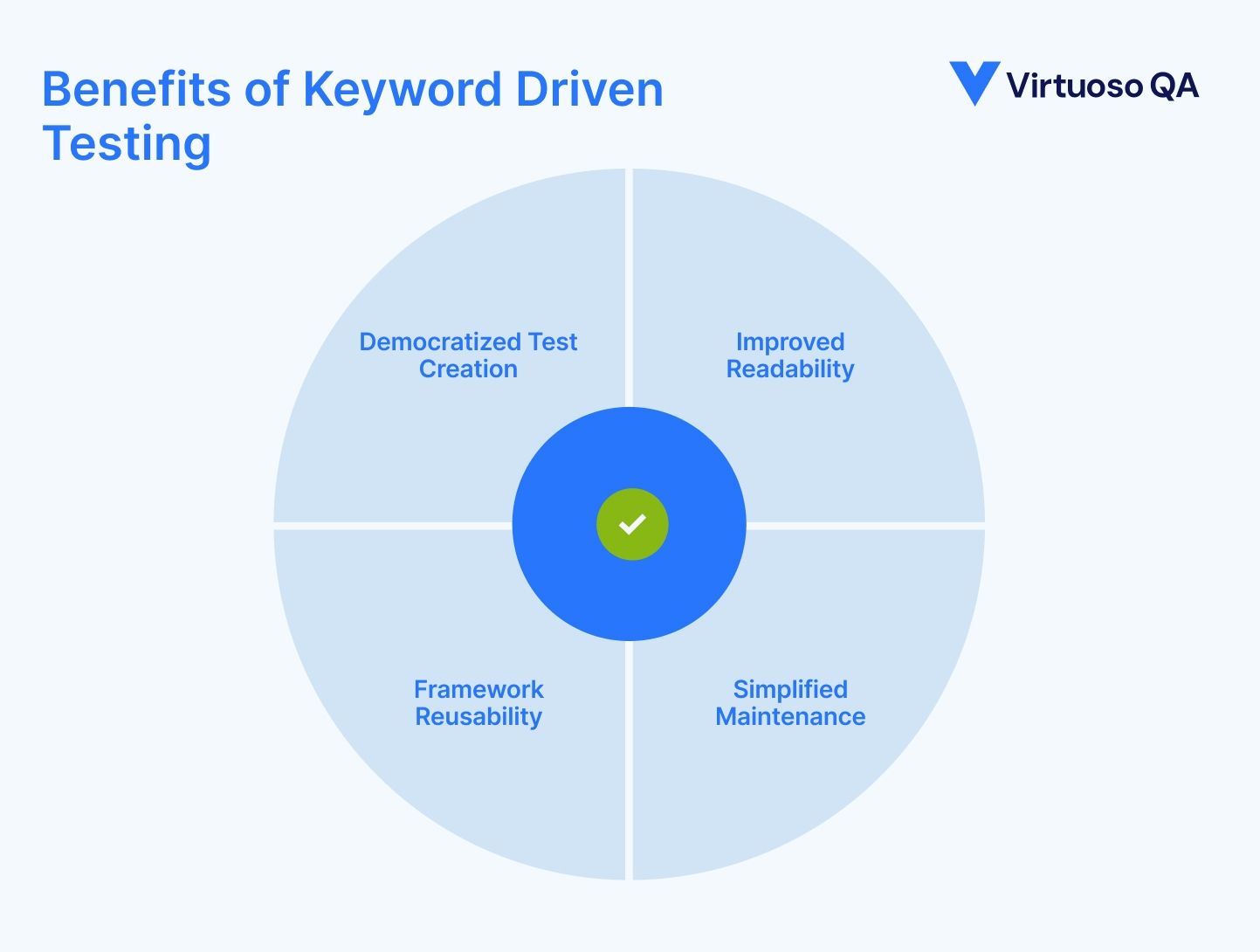
Non-technical team members create automated tests by assembling keywords, expanding automation contributor base 5-10x.
Test cases read like plain language instructions. Stakeholders understand test scenarios without technical translation.
Keyword libraries reuse across projects and applications. Investment in keyword development pays dividends across organization.
Application changes require updating keyword implementations. Test cases using keywords remain unchanged.
Many organizations combine both approaches, using keywords for actions and data driven execution for variations.
Keywords:
Login(username, password, expectedResult)
Test Data:
| Username          | Password      | Expected Result |
|-------------------|---------------|-----------------|
| valid@example.com | ValidPass123  | Success         |
| invalid@test.com  | WrongPass     | Failed Login    |
Execution: Login keyword executes for each data row, combining keyword reusability with data driven variations.
Building data or keyword driven frameworks from scratch requires significant investment. Custom code, error handling, reporting, and data integration consume months before first test executes.
Traditional Timeline:
Custom frameworks require constant maintenance. Language updates, dependency changes, and feature additions demand ongoing engineering effort.
Even with keyword driven approaches, non-technical users depend on developers to create new keywords. Bottlenecks persist despite democratization intent.
Traditional frameworks break when applications change. Hardcoded element locators require manual updates across keyword implementations.
Understanding framework architecture, keyword conventions, and data integration requires training. New team members need weeks to become productive.
Modern AI-native test platforms transcend traditional data and keyword driven frameworks through natural language test creation, automatic data variation handling, and intelligent composability.
Instead of assembling predefined keywords, teams describe tests in plain English. AI understands intent and generates execution logic automatically.
Traditional Keyword Approach:
| Keyword        | Parameter1     | Parameter2      |
|----------------|----------------|-----------------|
| Login          | user@test.com  | TestPass123     |
| NavigateTo     | Products       |                 |
| SearchFor      | Headphones     |                 |
| AddToCart      | FirstResult    |                 |
| Checkout       |                |                 |
AI-Native Natural Language:
1. Login as customer
2. Search for wireless headphones
3. Add first product to cart
4. Complete checkout
5. Verify order confirmation
No keyword library development needed. Natural language provides infinite flexibility without framework constraints.
AI-native platforms understand data requirements from test descriptions and generate appropriate variations automatically.
Traditional Data Driven:
AI-Native Approach:
"Test login with valid and invalid credentials"
Platform automatically generates data variations:
Reusable test components provide keyword-like reusability without framework development. Teams create business process checkpoints assembled into complete tests.
Example Composable Components:
Creating Test:
1. Use "Customer Login" checkpoint
2. Use "Product Search" checkpoint for "headphones"
3. Use "Checkout Process" checkpoint
4. Verify order confirmation
Composability provides keyword reusability without custom framework development. Updates to checkpoints automatically propagate to all dependent tests.
95% self-healing accuracy means tests adapt automatically to application changes. No manual keyword updates when element locators change.
All keywords referencing button break, requiring manual updates across framework
Tests continue working without intervention
Reality: Most modern enterprises benefit dramatically from AI-native platforms. Traditional frameworks made sense when they were the only option. Today, they represent unnecessary complexity and overhead.
Virtuoso QA delivers benefits of both traditional approaches while eliminating framework development and maintenance overhead.
Teams describe tests in plain English providing infinite flexibility without keyword library constraints.
AI understands data requirements from test descriptions and generates variations automatically.
Business process checkpoints deliver keyword-like reusability without custom development.
Example: Create "Customer Checkout" checkpoint once, reuse in 200 tests
Update checkout process once, 200 tests inherit changes automatically
AI analyzes applications and suggests test steps, data variations, and validations automatically.
Example: User writes "Test checkout with multiple payment methods"
StepIQ generates:
Tests adapt automatically to application changes without manual maintenance.

Try Virtuoso QA in Action
See how Virtuoso QA transforms plain English into fully executable tests within seconds.
